


Convert 2D PDF to 3D Model: A Complete Guide
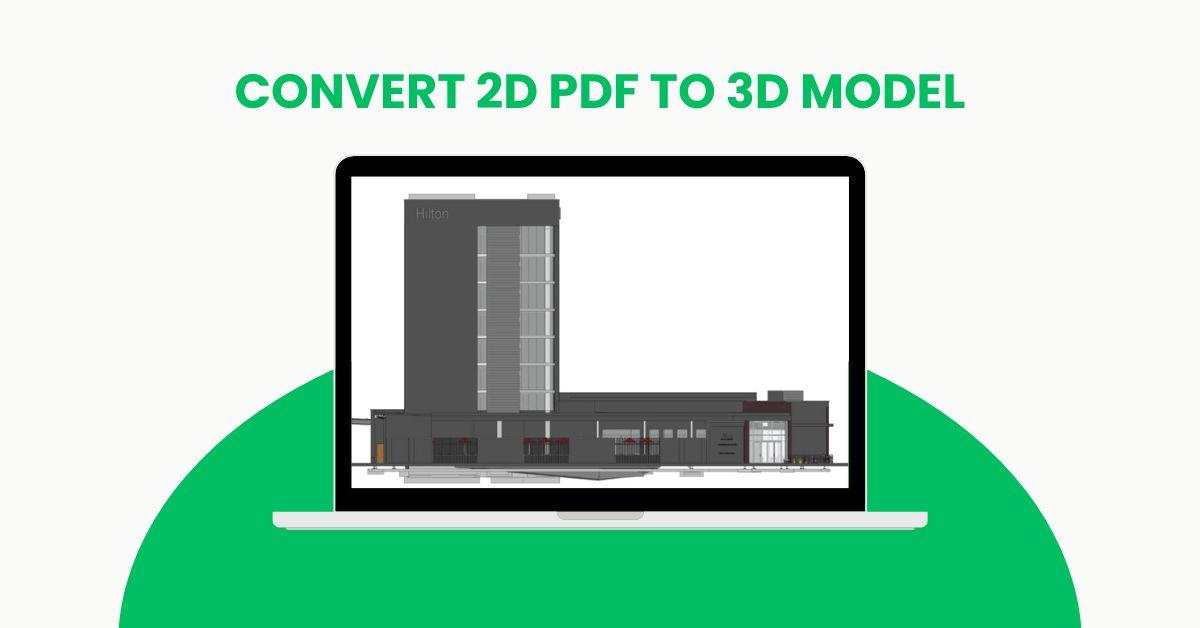
In today’s digital design era, accuracy and visualization play a crucial role in every construction and manufacturing project. Many professionals still work with 2D PDF drawings, which often limit design understanding and project collaboration. That’s where the ability to convert 2D PDF to 3D model becomes a game-changer.
This process allows architects, engineers, and contractors to bring flat 2D documents to life, offering an interactive, spatial view of designs that improve efficiency and decision-making. Let’s explore how this transformation works, its benefits, and why it’s becoming an essential part of modern workflows.
What Does It Mean to Convert 2D PDF to 3D Model?
A 2D PDF typically contains architectural or engineering drawings such as floor plans, elevations, and sections. These files provide valuable geometric information but lack depth and real-world context. When you convert 2D PDF to 3D model, the data is extracted, interpreted, and modeled using specialized software such as AutoCAD, Revit, or SolidWorks.
The conversion process turns 2D lines and annotations into accurate 3D geometry, creating a model that can be viewed, rotated, and analyzed from all angles. This 3D representation not only improves visualization but also supports simulation, rendering, and BIM integration.
Why Converting 2D PDF to 3D Model Matters
1. Improved Visualization and Design Understanding
2D PDFs provide limited perspective. By transforming them into 3D models, stakeholders can visualize the design in a more realistic and interactive way. It helps identify spatial relationships, material conflicts, and design flaws before construction begins.
2. Enhanced Collaboration and Communication
When teams work across disciplines — architecture, structural, MEP, or fabrication — a 3D model from a 2D PDF ensures everyone is on the same page. It simplifies coordination and reduces misunderstandings that often arise from interpreting 2D drawings differently.
3. Supports BIM Workflows
Building Information Modeling (BIM) thrives on accurate digital data. Converting 2D PDFs into 3D BIM models allows seamless integration with BIM platforms, enabling clash detection, quantity estimation, and lifecycle management.
4. Saves Time and Reduces Errors
Manual modeling from scratch takes time and increases the risk of human errors. Automated 2D-to-3D conversion accelerates the process, ensuring precision and consistency throughout.
5. Revives Legacy Drawings
Many firms have archived 2D PDF drawings from past projects. Converting these into 3D models brings new life to legacy data, allowing reuse and modification without redrawing everything from scratch.
Step-by-Step Process: How to Convert 2D PDF to 3D Model
-
Extract the PDF Drawing
Start by obtaining a clean, high-resolution 2D PDF. Ensure all layers, scales, and dimensions are visible and accurate. -
Import into CAD/BIM Software
Import the 2D PDF into tools like AutoCAD, Revit, or SketchUp. Most modern software allows vector-based PDFs to be read directly. -
Trace and Define Geometry
Convert lines, curves, and annotations into editable CAD elements. Ensure all references align correctly with the coordinate system. -
Model the 3D Geometry
Use the extracted elements to extrude walls, add openings, and define structural components in 3D. At this stage, attention to scale and proportion is crucial. -
Add Details and Materials
Incorporate materials, textures, and layers to make the 3D model realistic. This step enhances the visual representation for design presentations or client approvals. -
Validate and Export
Review the model for accuracy. Once validated, the 3D model can be exported in formats like .RVT, .DWG, .IFC, or .STL for use in BIM coordination or 3D printing.
Also read: Scan to BIM Services NYC
Industries Benefiting from 2D PDF to 3D Model Conversion
Architecture and Construction
Architects and builders use 3D models to visualize design intent, coordinate with contractors, and minimize construction conflicts.
Engineering and Fabrication
Mechanical and structural engineers convert 2D PDFs to 3D models to simulate performance, optimize design, and prepare for digital fabrication.
Interior Design
Interior designers transform 2D layouts into 3D visualizations to help clients experience space, materials, and finishes before implementation.
Manufacturing and Product Design
Manufacturers benefit from 3D models for prototyping, assembly validation, and rapid product development.
Key Software Used for 2D PDF to 3D Conversion
-
AutoCAD – Ideal for tracing and converting 2D PDFs into editable 3D geometry.
-
Revit – Best for BIM-integrated 3D modeling in architecture and construction.
-
SolidWorks – Widely used in manufacturing and mechanical design for 3D modeling.
-
SketchUp – Perfect for quick visualization and conceptual modeling.
The Future of 2D to 3D Conversion
With the rise of digital construction and virtual design environments, 2D PDF to 3D model conversion will only become more essential. AI-driven tools are now capable of automatically interpreting and converting 2D drawings into intelligent 3D models with minimal manual effort.
As industries shift towards digital twins and immersive design technologies like AR/VR, having a 3D model ready from legacy PDFs ensures organizations stay future-ready.
Conclusion
Converting 2D PDF to 3D model is more than just a technical process — it’s a strategic step toward smarter, faster, and more collaborative design. Whether you’re an architect visualizing spatial layouts, an engineer optimizing structures, or a designer presenting concepts, 3D modeling from 2D PDFs enhances precision, communication, and project outcomes.
By adopting this conversion workflow, you can bridge the gap between traditional documentation and modern 3D visualization — transforming static designs into dynamic, data-rich models ready for the future.

 Bangla
 English
 Arabic
 French
 Spanish
 Portuguese
 Deutsch
 Turkish
 Dutch
Dutch
 Italiano
 Romaian
 Portuguese (Brazil)
 Greek
Greek